Themes
Choose from 10+ carefully crafted themes to personalize your GitArbor experience.
Each theme is designed for optimal readability and aesthetics in the terminal.
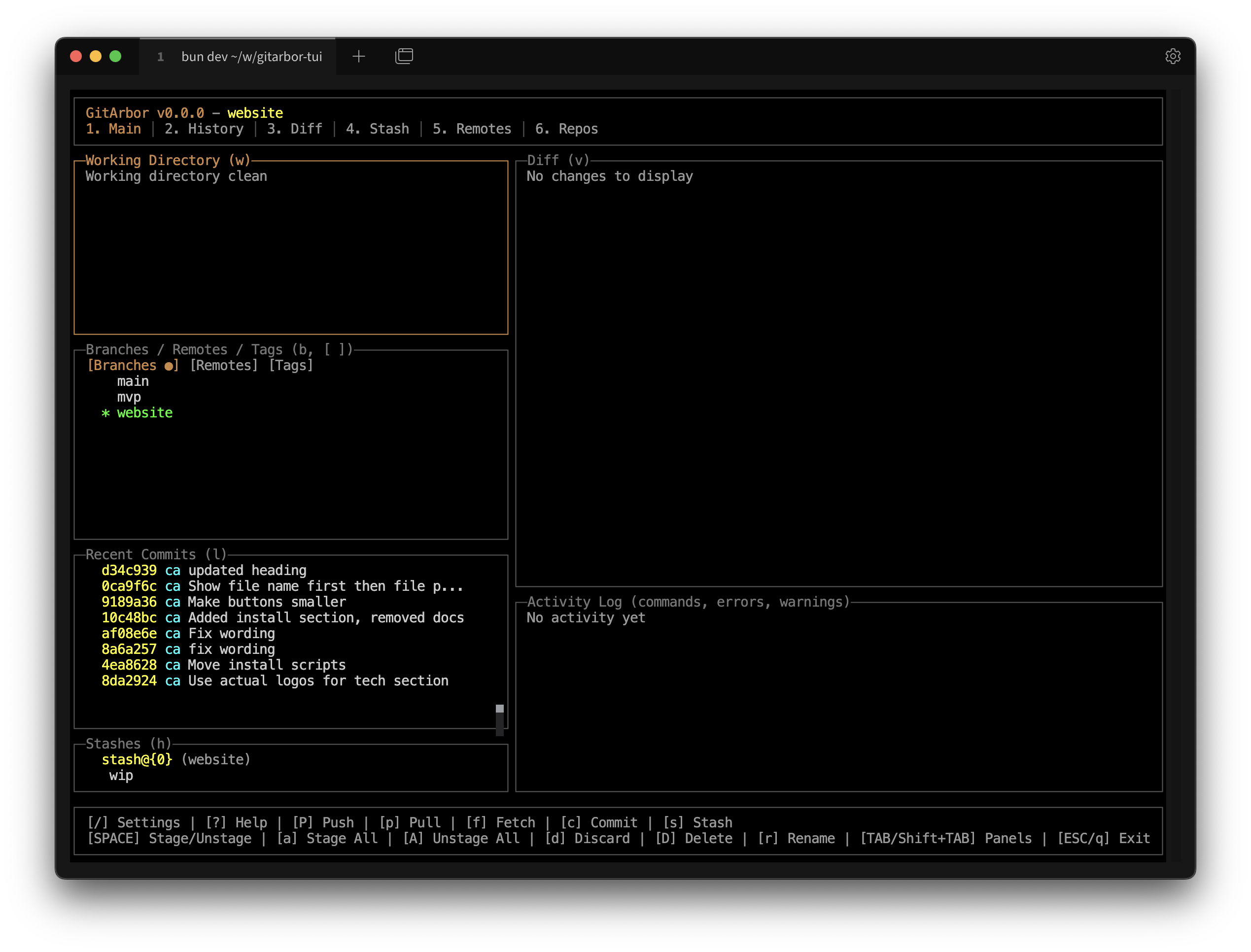
Default Dark
Classic dark theme with orange accents
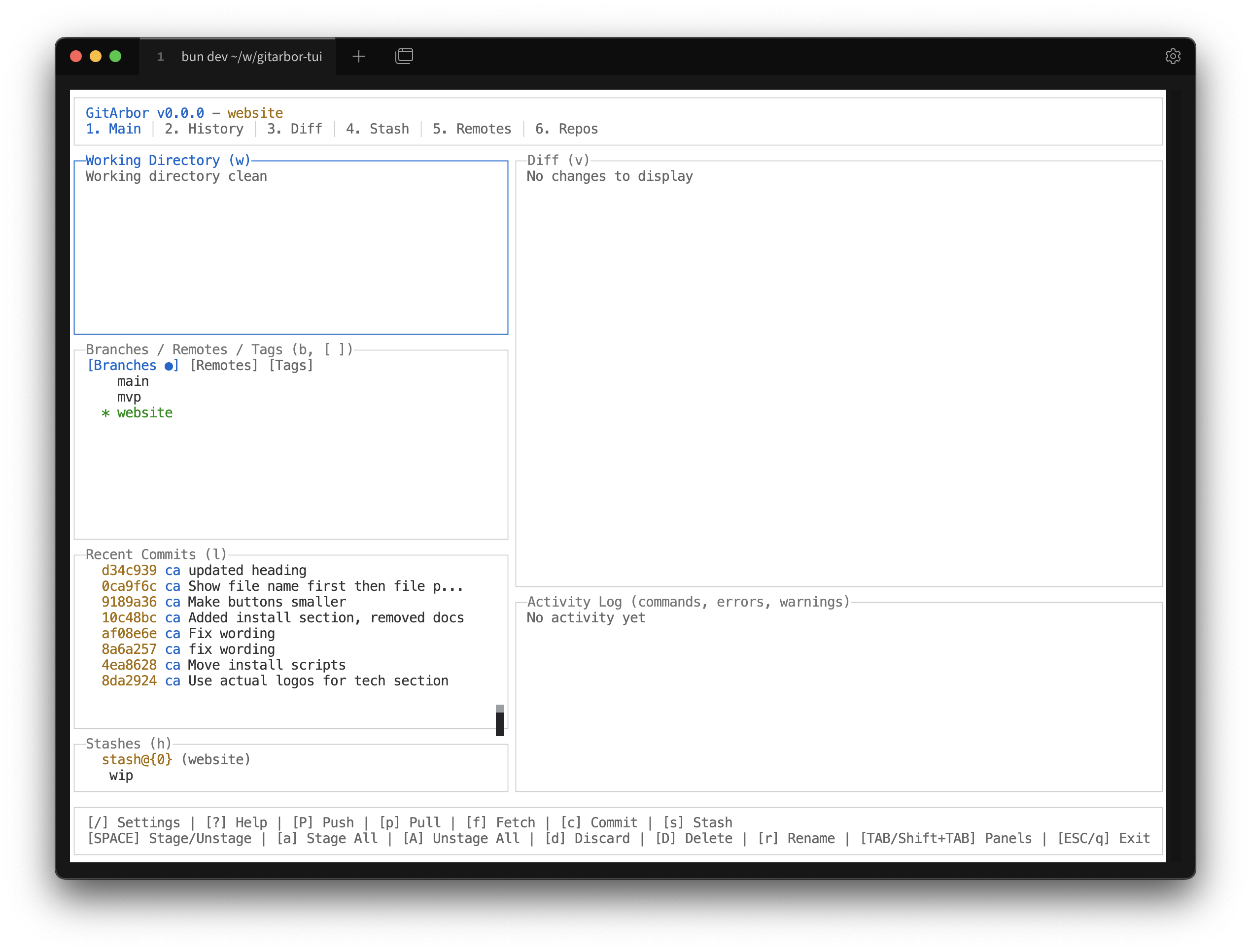
Light
Clean light theme for bright environments
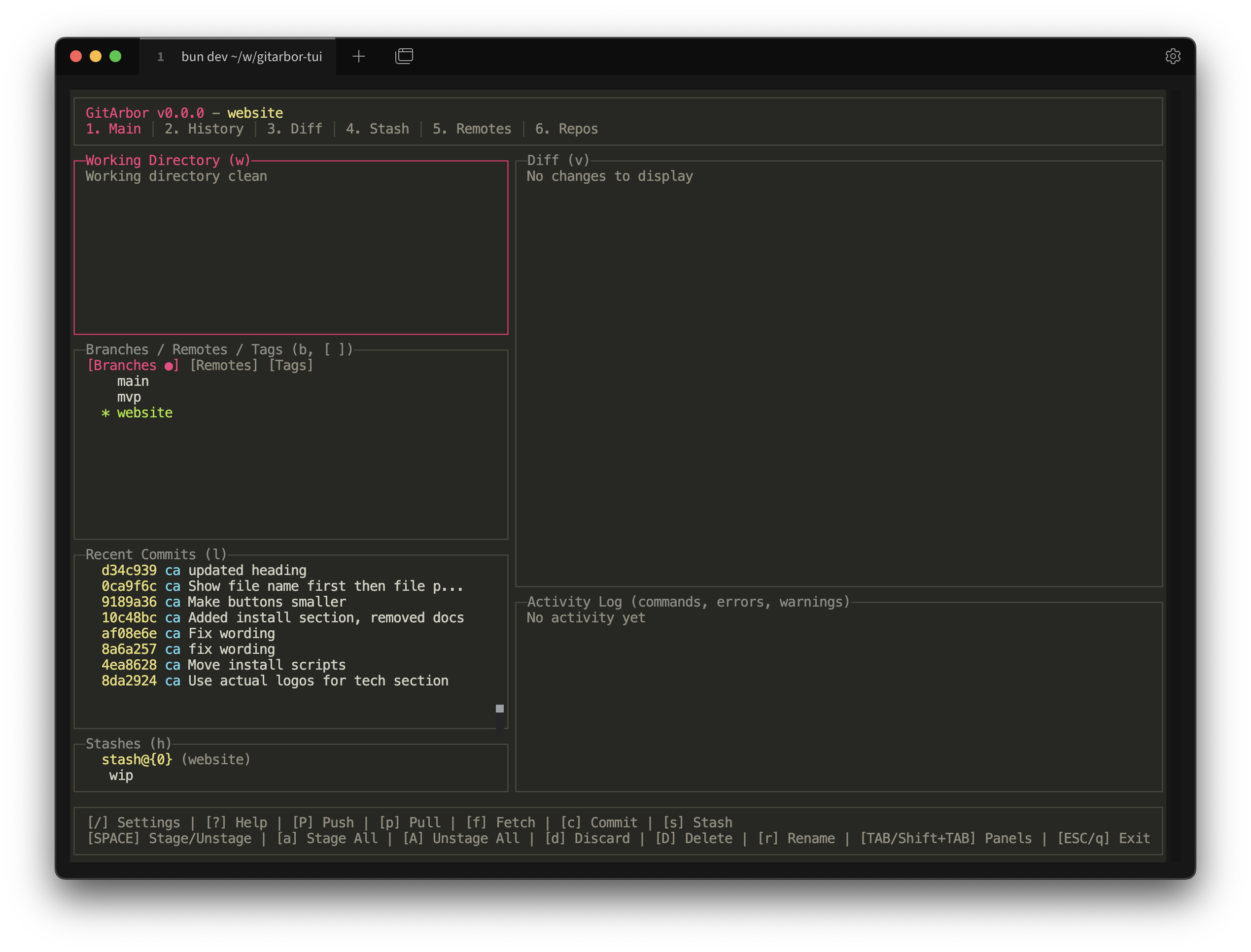
Monokai
Dark theme inspired by the Monokai color scheme
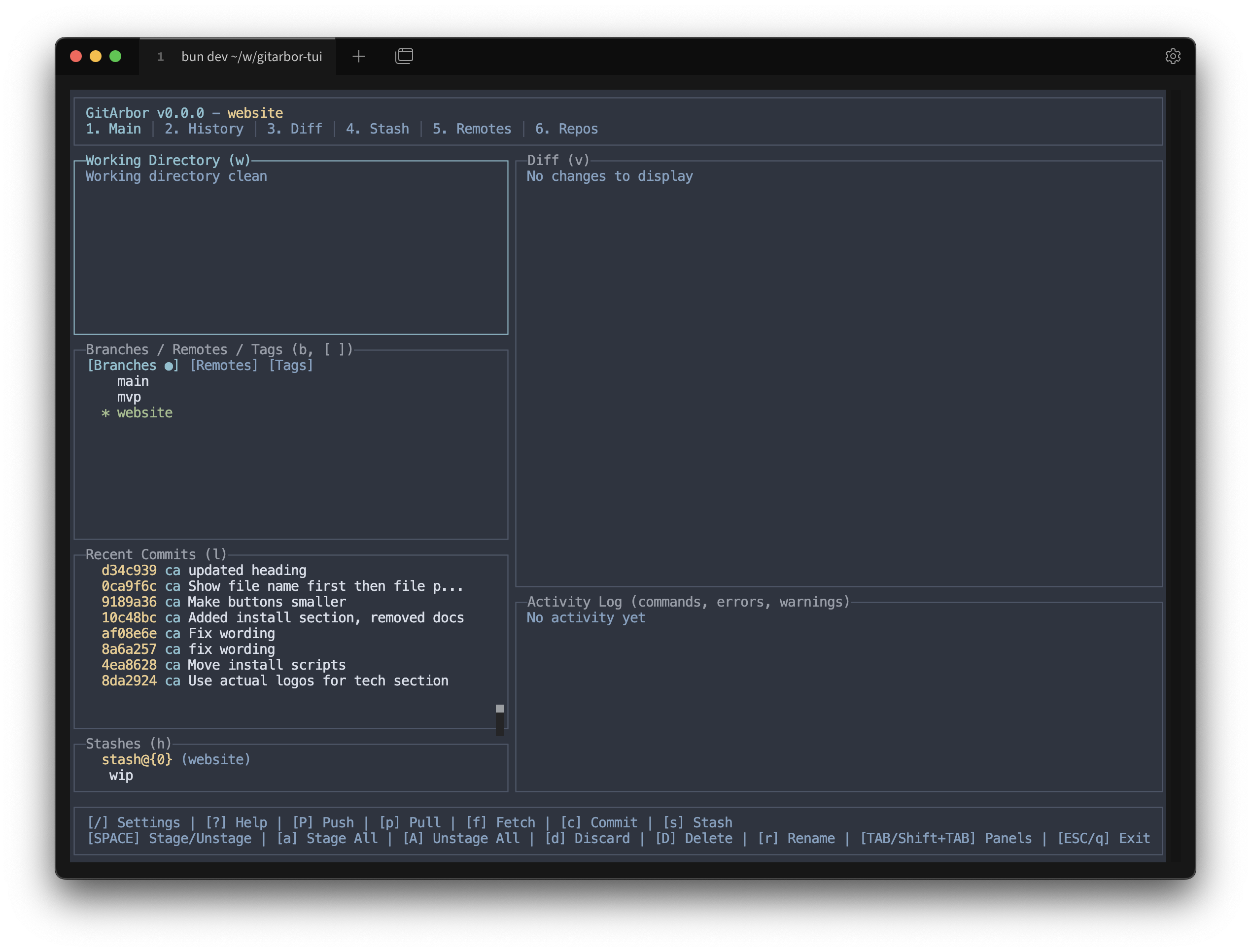
Nord
Arctic, north-bluish color palette
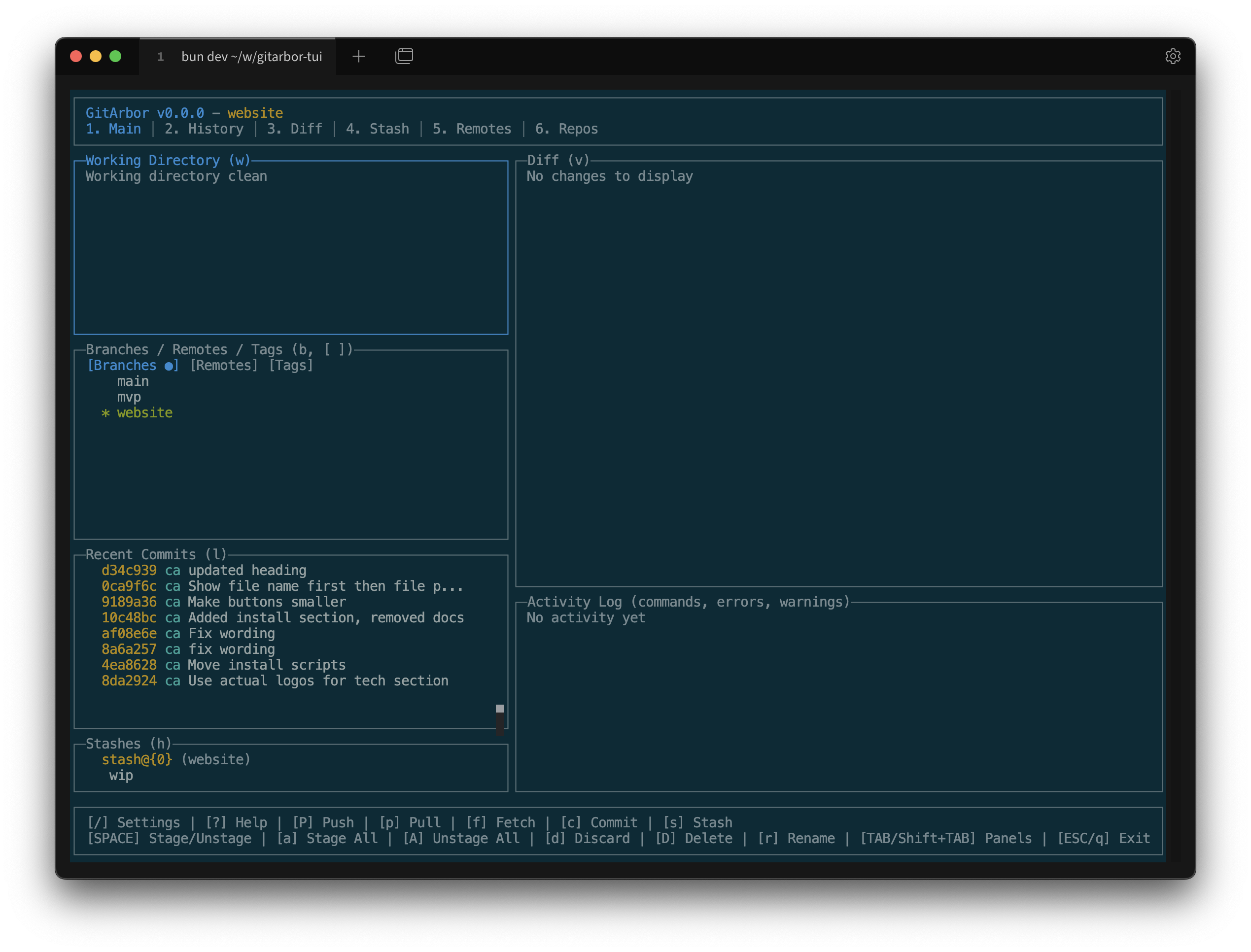
Solarized Dark
Precision color scheme for the terminal
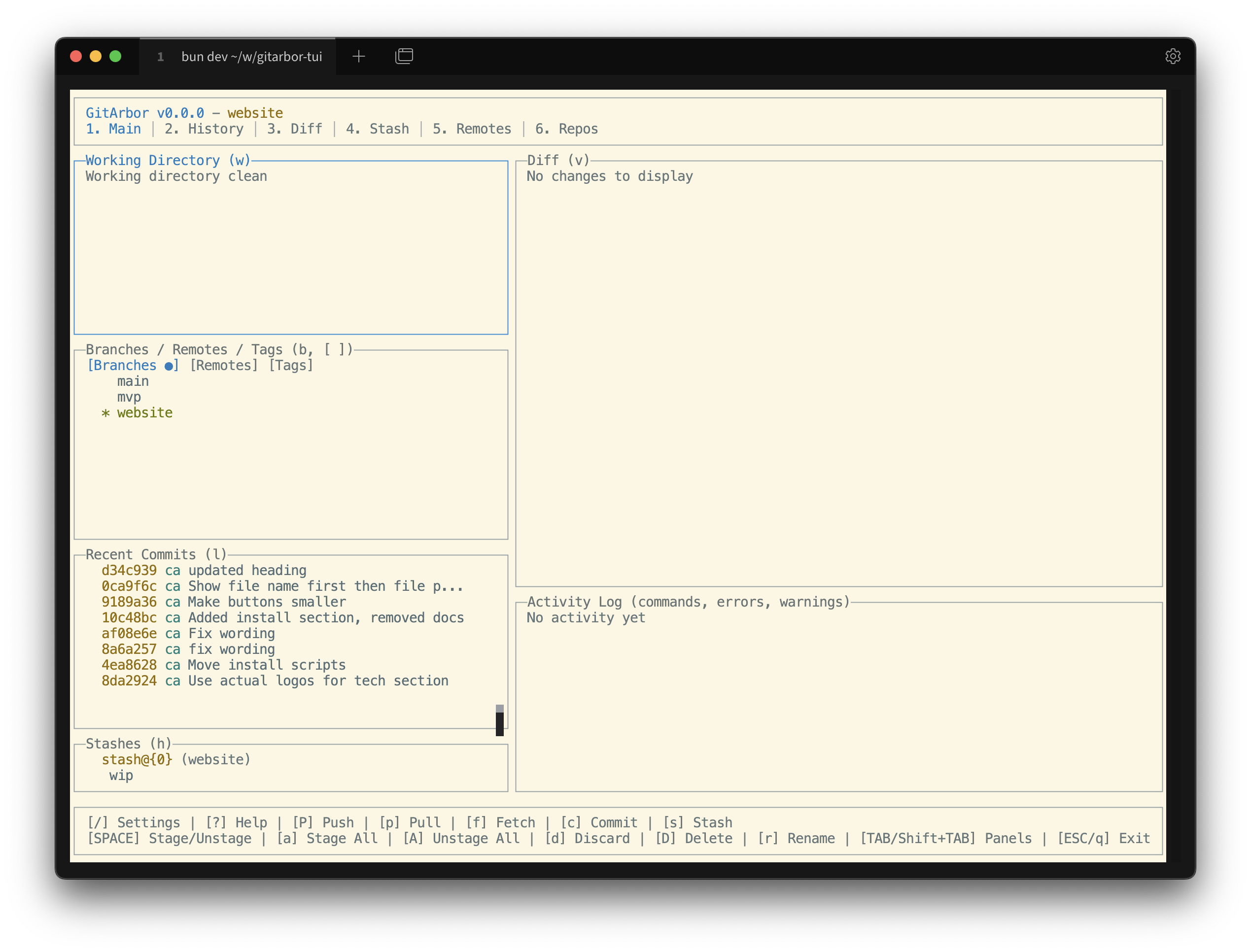
Solarized Light
Light variant of Solarized color scheme
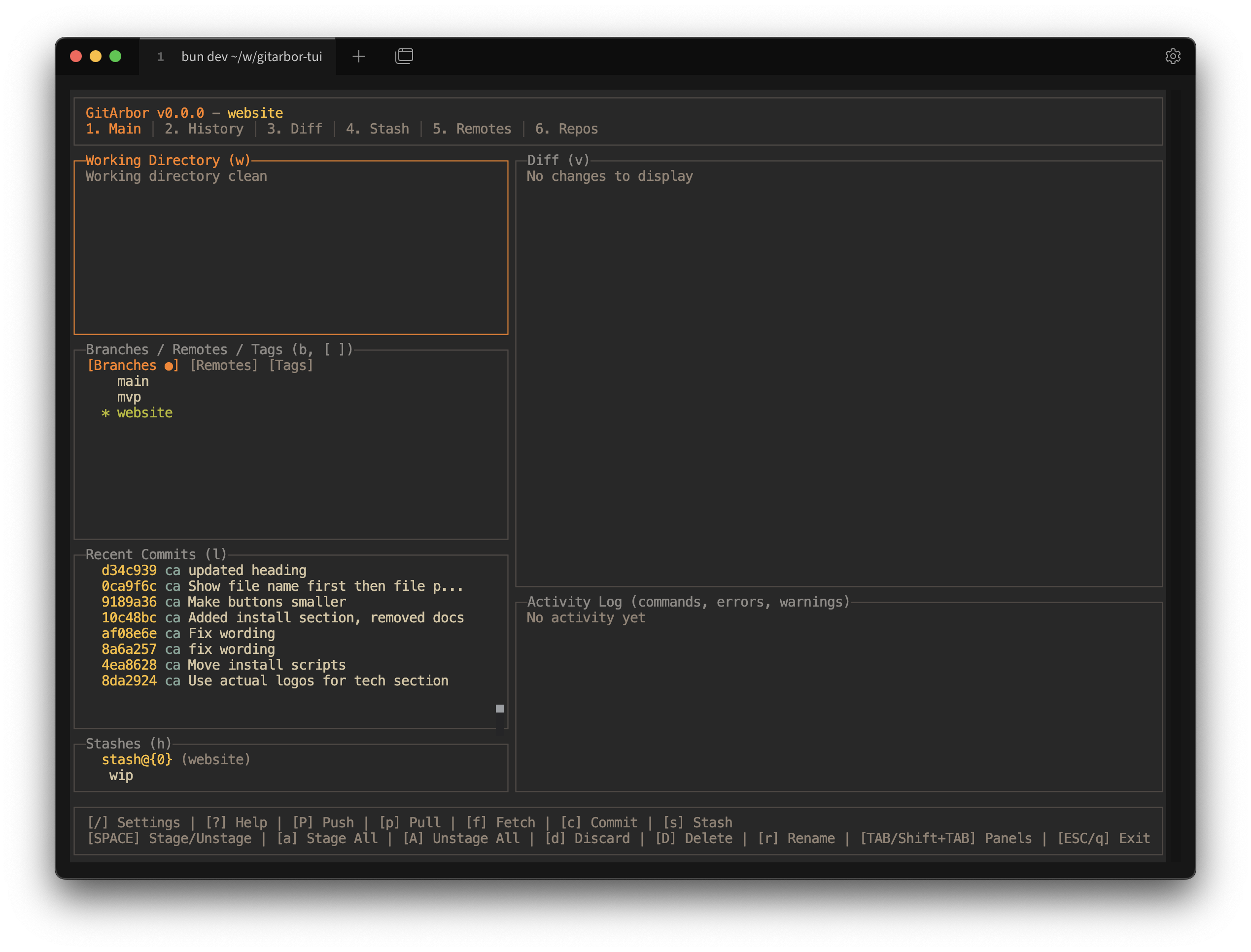
Gruvbox Dark
Retro groove color scheme with warm palette
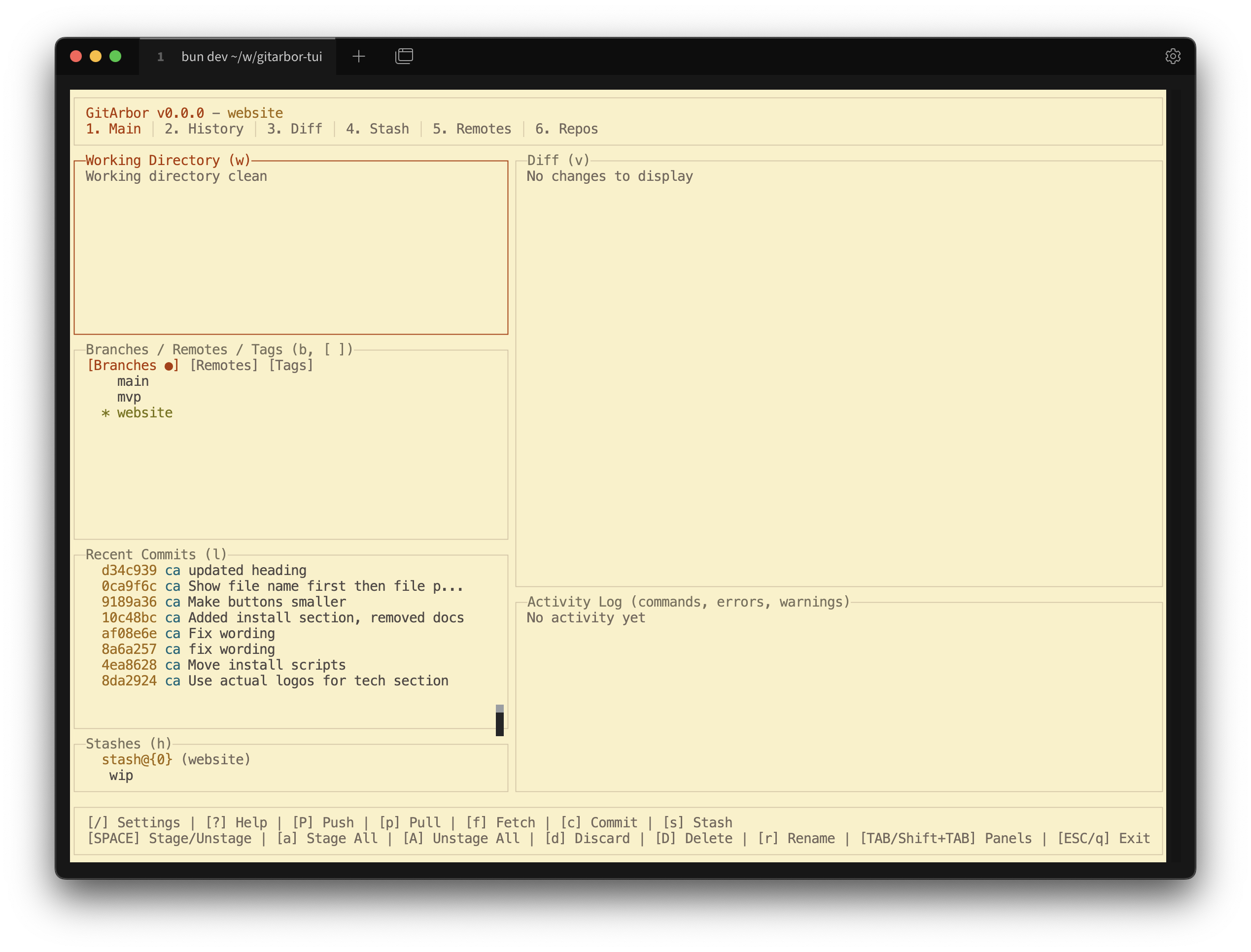
Gruvbox Light
Light variant of Gruvbox color scheme
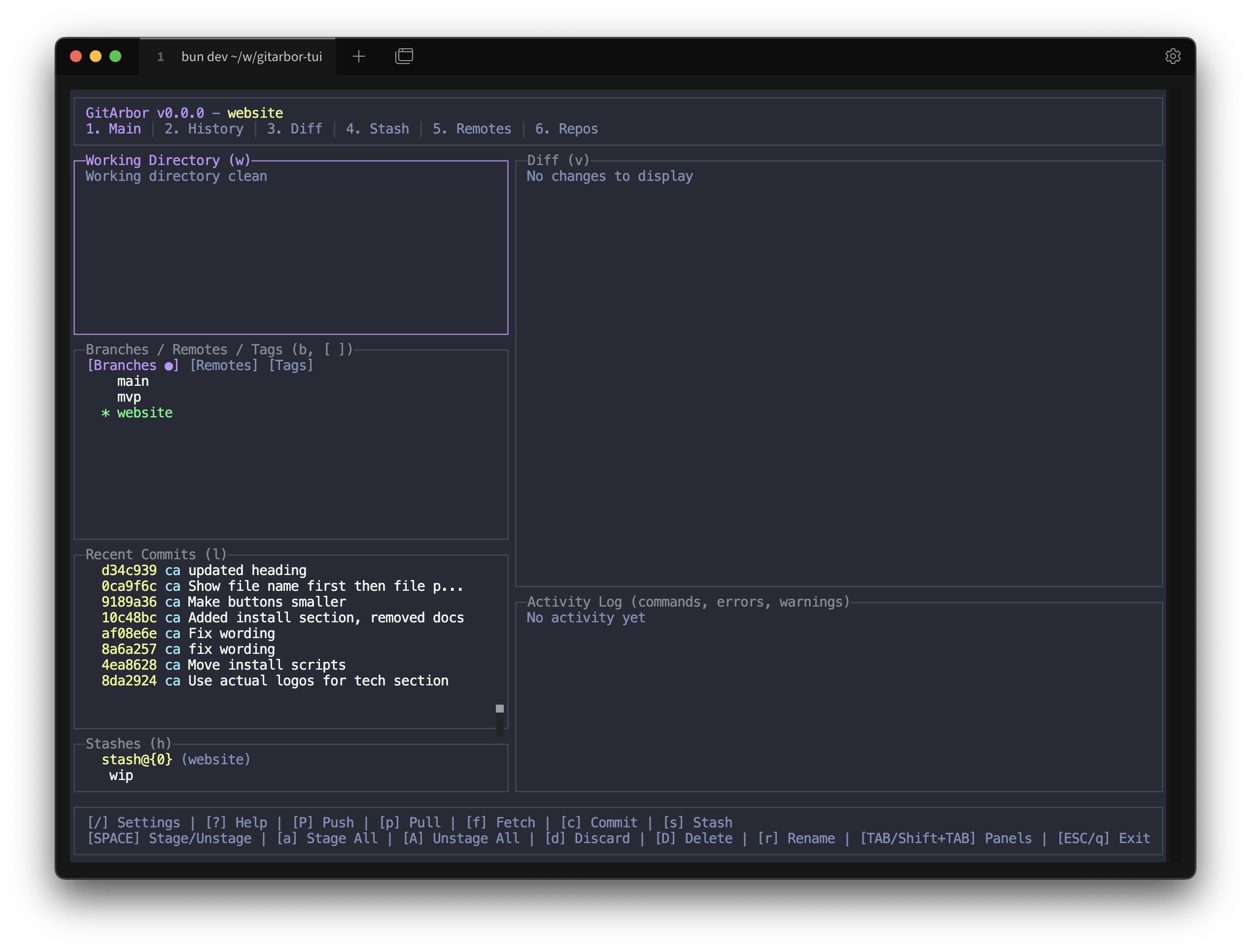
Dracula
Dark theme with vibrant purple and pink accents
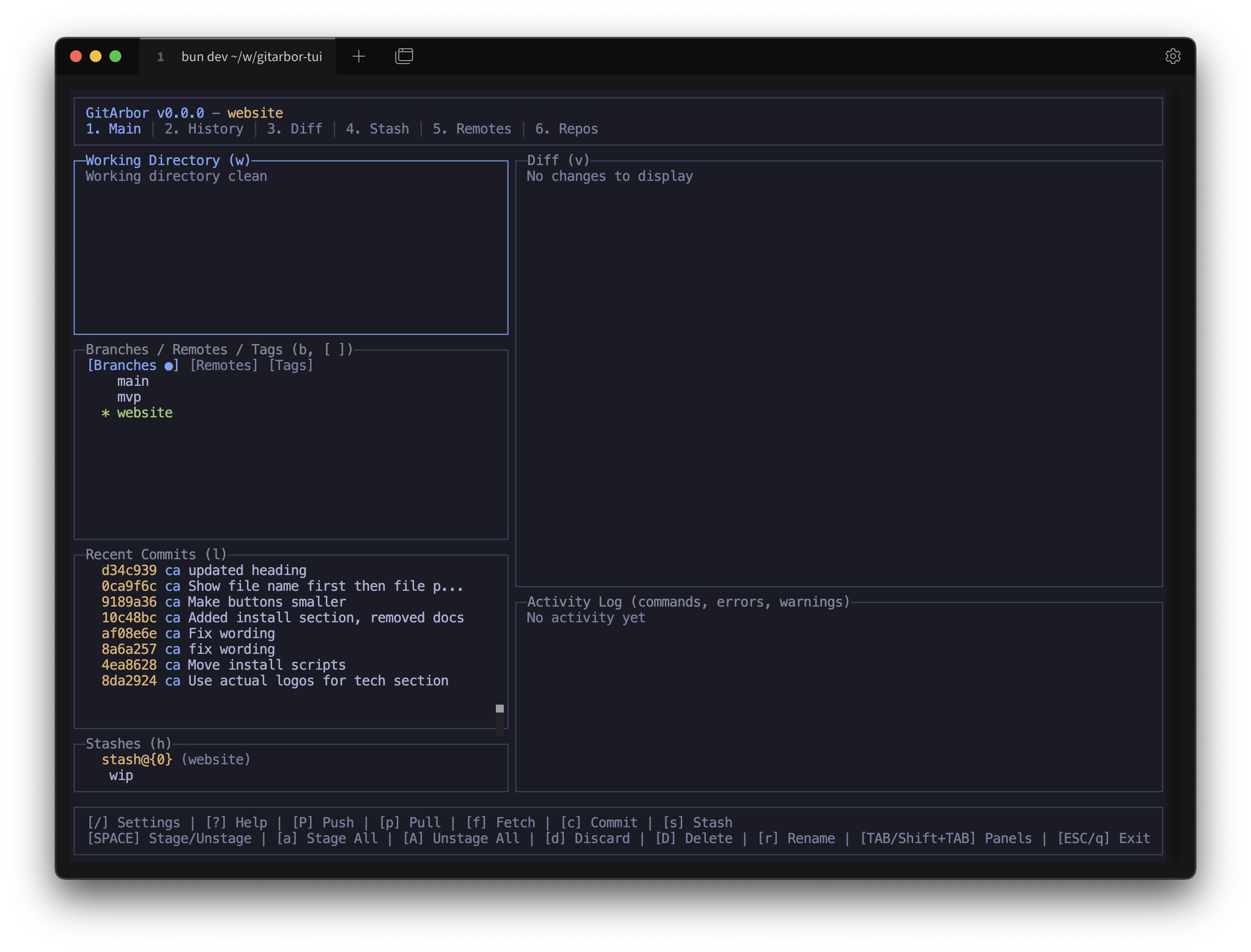
Tokyo Night
Clean dark theme inspired by Tokyo's neon lights
How to Change Themes
Change your theme in GitArbor with these simple steps:
1
Press / to open Settings Modal
→
2
Select "Change Theme"
→
3
Choose your theme