The Git Client
Built for Your Terminal
A next-generation Git client that runs in your terminal.
Fast, beautiful, and built with modern web technologies.
Quick Install
Get started with GitArbor in seconds
curl -fsSL https://gitarbor.com/install.sh | bashThen run:
gitarborSee It In Action
Explore GitArbor's powerful features through real screenshots
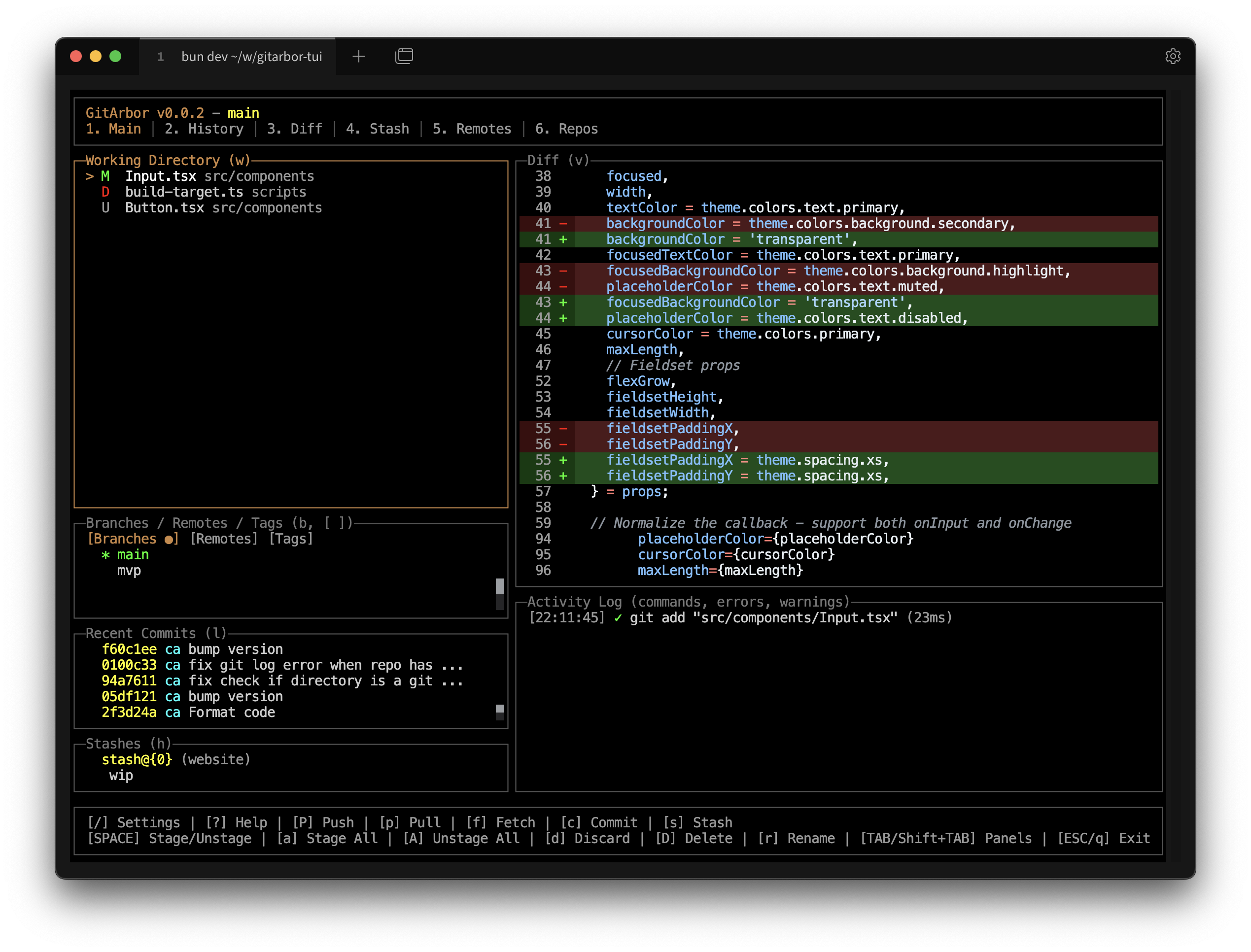
Main Dashboard
View repository status, branches, and recent commits at a glance
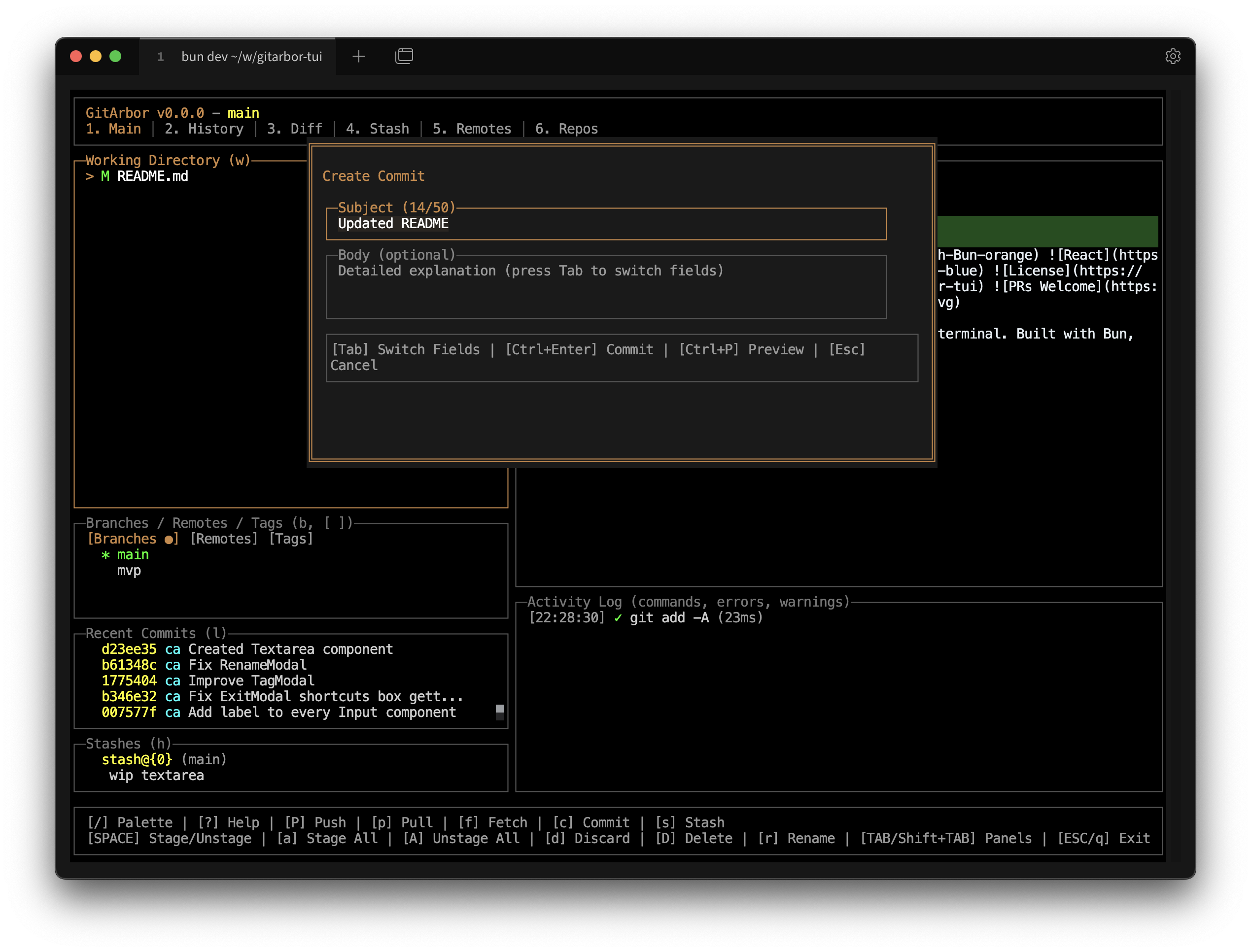
Commit Changes
Stage files and create commits with an intuitive interface
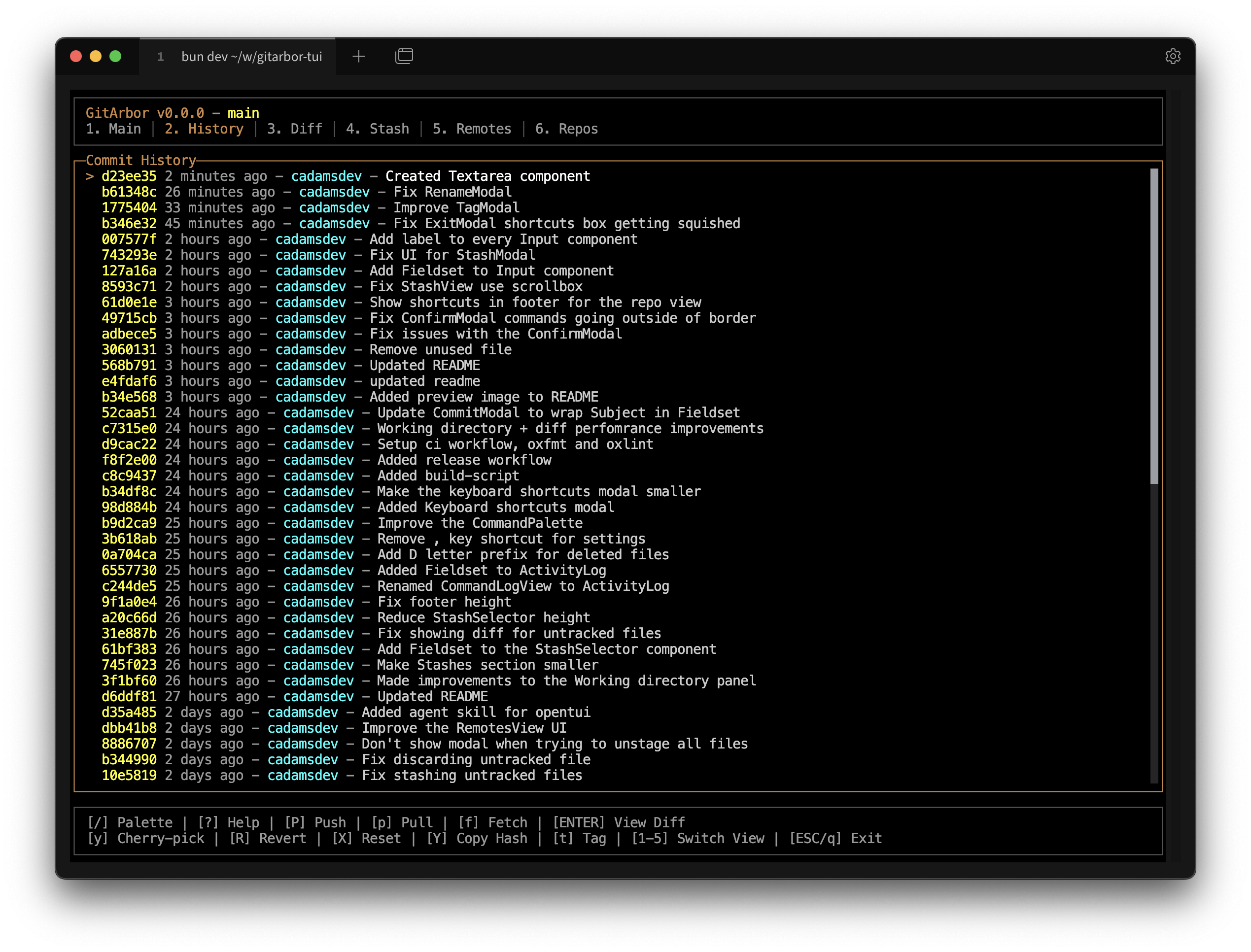
Commit History
Browse commit history with detailed information and diffs
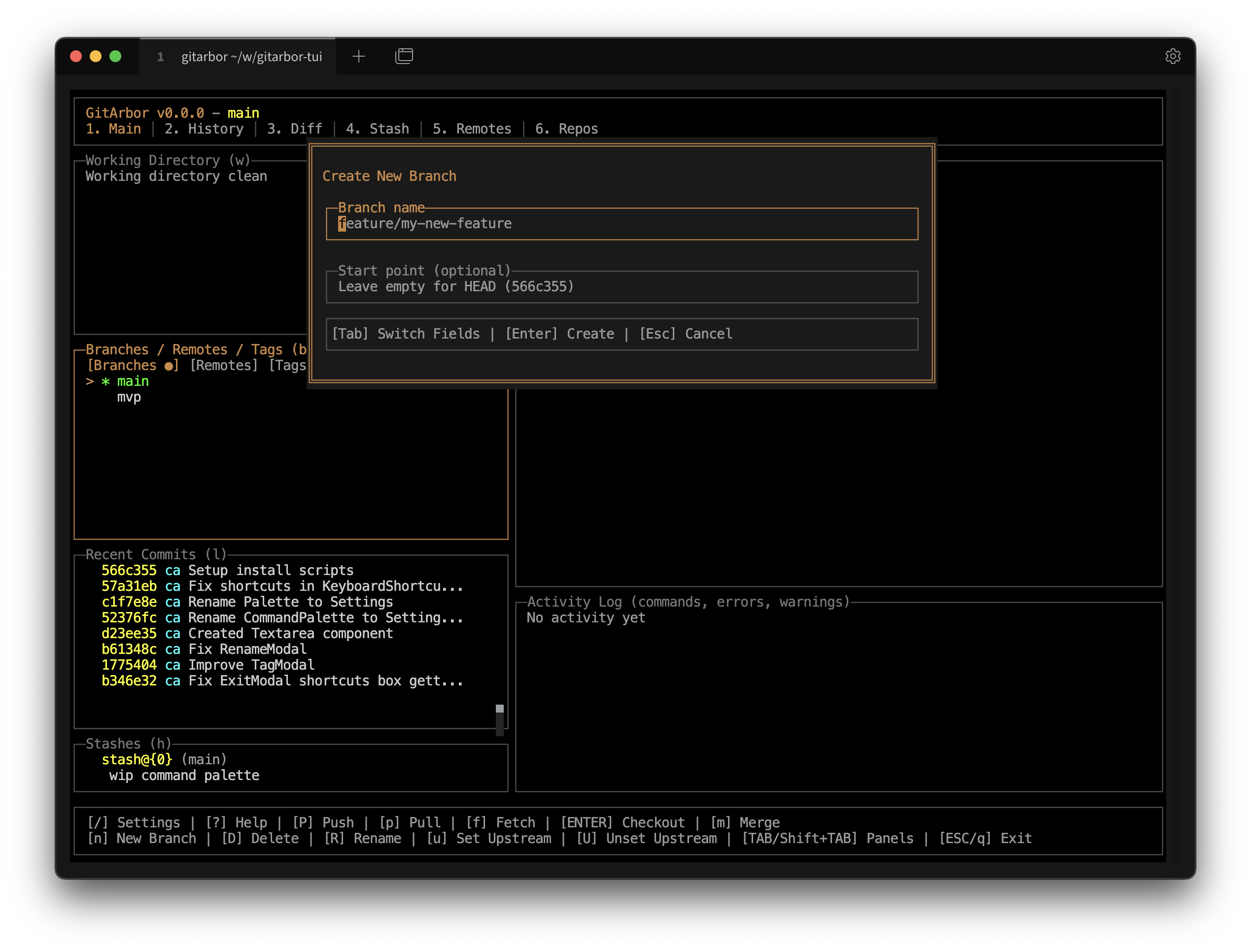
Branch Management
Create, switch, and manage branches effortlessly
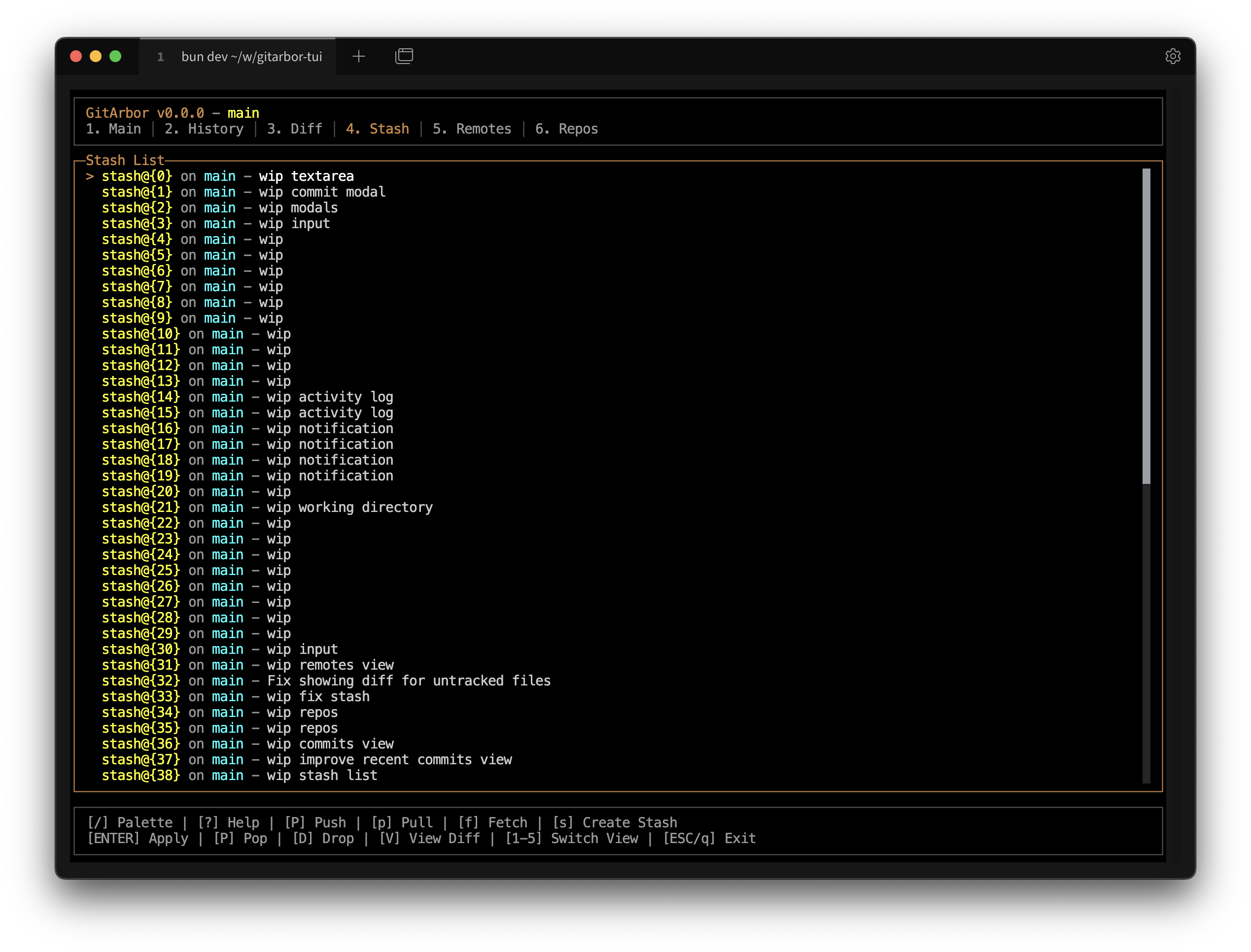
Stash Management
Save and restore work in progress with ease
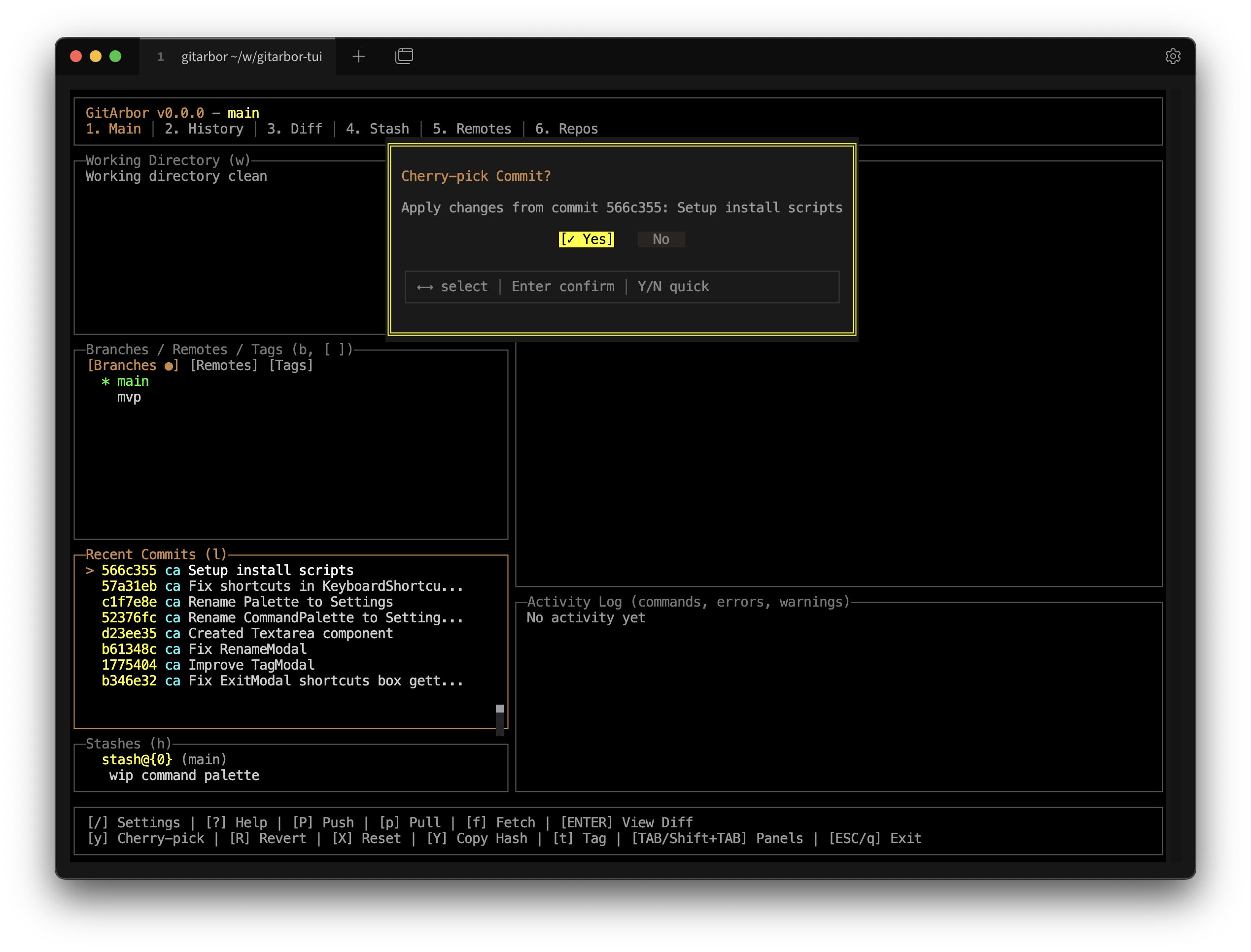
Cherry Pick Commits
Apply specific commits from other branches
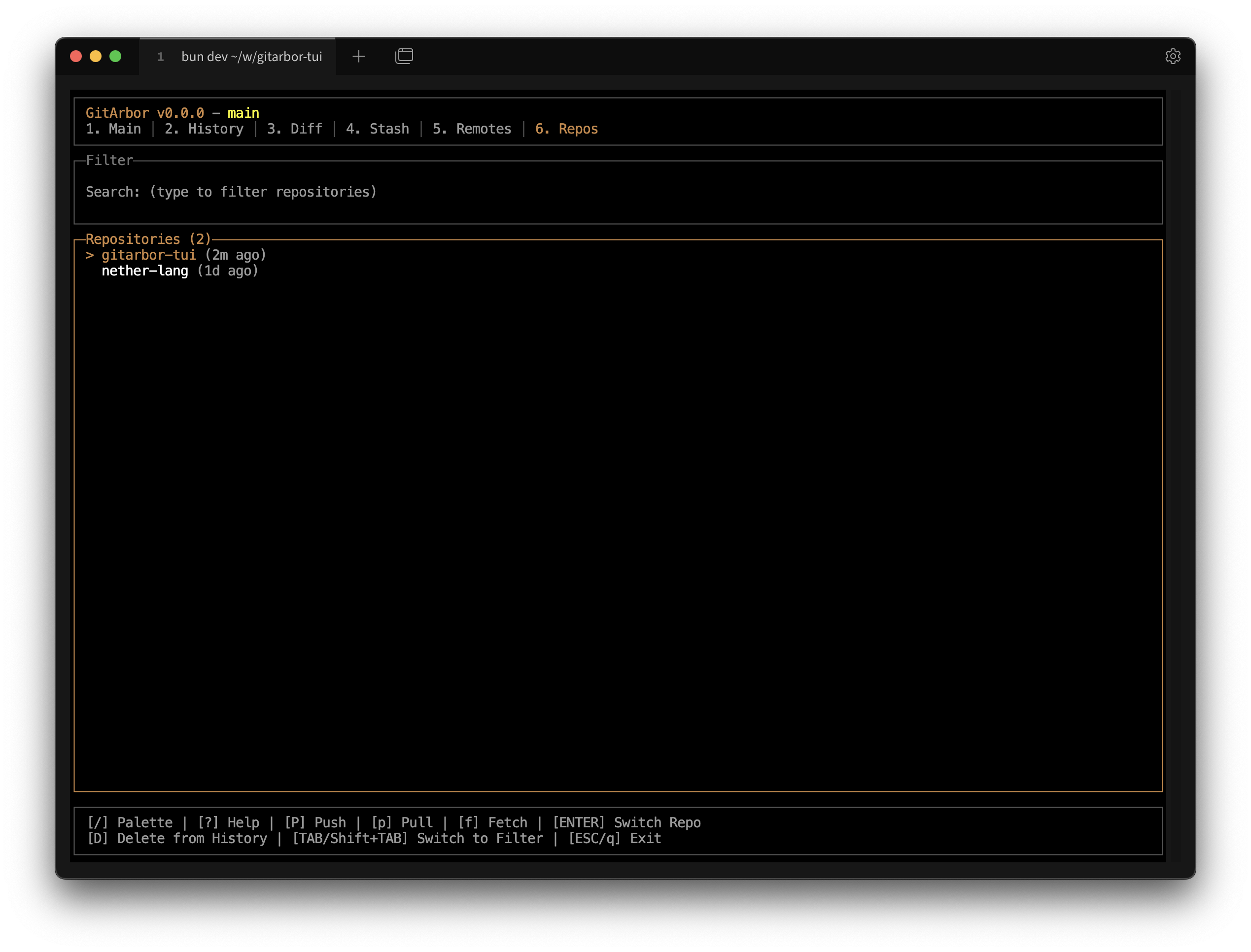
Multiple Repositories
Manage and switch between multiple Git repositories
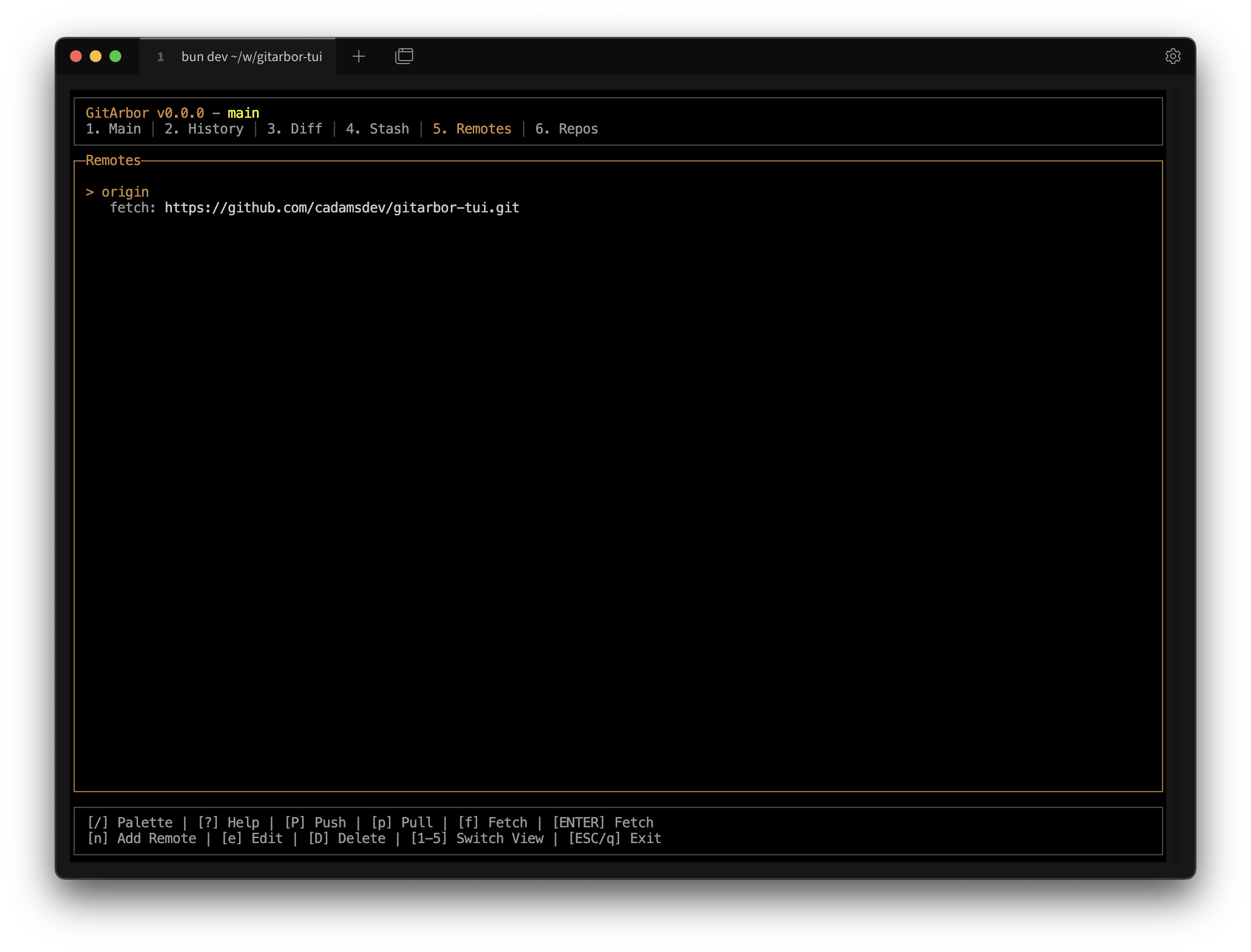
Remote Management
View and manage remote repositories and fetch/push changes
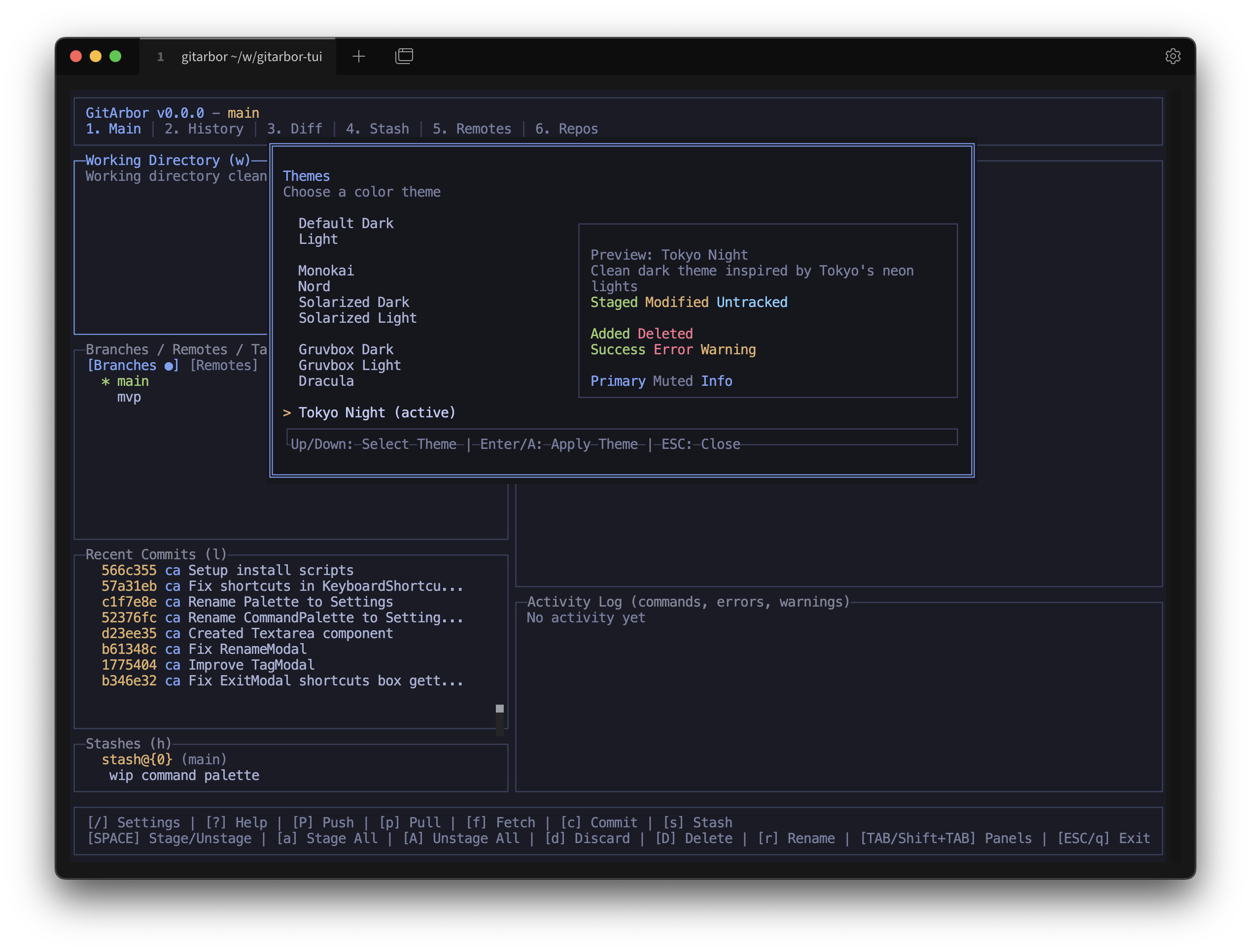
Beautiful Themes
Choose from 10+ carefully crafted color themes
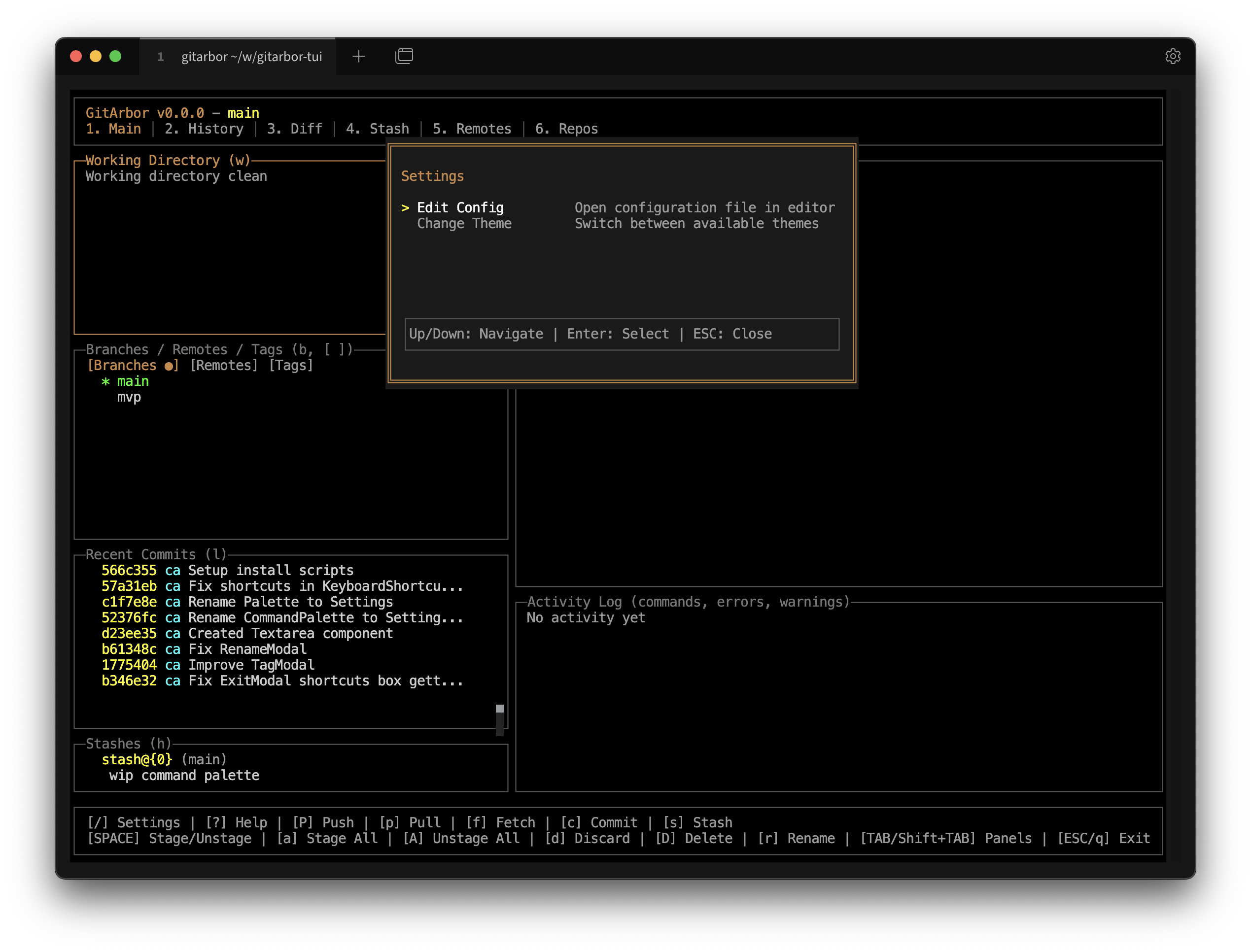
Customizable Settings
Configure GitArbor to match your workflow
Why GitArbor?
Lightning Fast
Built with Bun runtime for instant startup and blazing-fast performance. No lag, no waiting.
Beautiful Interface
Powered by OpenTUI and React for a smooth, intuitive terminal UI with multiple themes.
Keyboard-First
Navigate your repositories with vim-like keybindings. Mouse optional, keyboard optimized.
Customizable
Integrated settings modal for quick access to configuration. Customize themes, preferences, and behavior instantly.
Multiple Themes
Choose from 10+ carefully crafted themes including Dracula, Nord, Gruvbox, and more.
Modern Stack
Built with TypeScript, React 19, and the latest web technologies adapted for the terminal.
Built With Modern Technologies
GitArbor leverages cutting-edge tools to deliver the best terminal experience
Bun
Fast JavaScript runtime
OpenTUI
React for terminals
React 19
Latest React features
TypeScript
Type-safe code
Ready to Get Started?
Install GitArbor and experience a better way to work with Git in your terminal.